VIDEO SURVEILLANCE
A camera that shows a face, not a blur.
Video surveillance is not just buying cameras. It is a design that starts with what you protect and ends with footage that can serve as evidence.
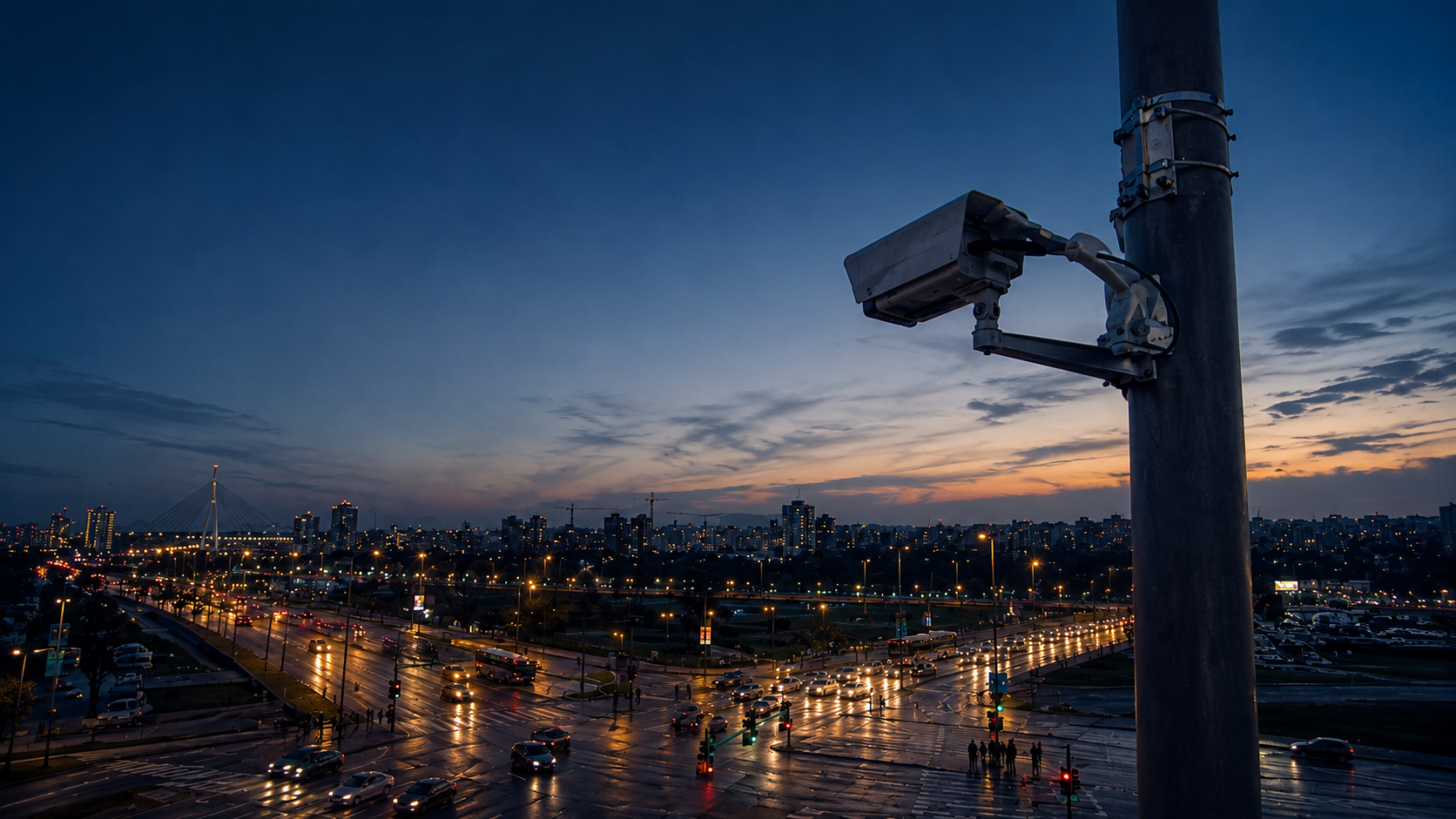
WHEN IT HELPS, WHEN IT DOESN'T
It makes sense when:
- You want to see who enters and leaves, and when.
- You need evidence, not an impression, after an incident.
- You want cameras that record what people do, not just exist.
- The building runs while you are away, so no one is watching.
- You link footage with an alarm and monitoring.
It doesn't when:
- You expect a camera to stop a break-in on its own. It records; a person or centre reacts.
- You want the cheapest gear without a design. You usually get a blur instead of a face.
- You want one camera to cover a space full of corners and shadows.
FOUR DECISIONS
- What you protect. Entrances, tills, storage, yard. Each point gets its own camera and angle.
- How many cameras. The count follows the points, not the budget. A camera in the wrong place is worthless.
- Resolution and recording. How much detail and how many days of archive you need.
- Who watches. Just you, or also a monitoring centre that verifies events 24/7.
SYSTEM ELEMENTS
- Cameras. Dome, bullet, PTZ, thermal — by position and light.
- Recorder (NVR/DVR). Where footage is kept and for how many days.
- Storage. Capacity that tracks resolution and retention.
- Network. Cabling or wireless link to the recorder.
- Power. Stable camera power, with protection.
- Software (VMS). Viewing, search and export of footage.
- Monitoring link. Optional connection to the 24/7 centre.
ILLUSTRATIVE EXAMPLE, NOT AN OFFER
A 120 m² shop: 4 cameras at 4 MP, a 4-channel NVR, about 30 days of recording on roughly 0.7 TB of storage.
This is an illustration for orientation. The final design comes after a site visit.
WHAT THE NUMBERS MEAN
| Parameter | Range | Why it matters |
|---|---|---|
| Resolution | 2 / 4 / 8 MP | How much detail remains in the footage. |
| Lens | 2.8–12 mm | Angle and recognition distance. |
| Frame rate | 15–30 fps | Smoothness of motion. |
| Compression | H.265 / H.264 | How much storage the footage uses. |
| Power | 12 VDC / 24 VAC / PoE+ | Stability and cabling method. |
| Standard | ONVIF | Linking equipment from different makers. |
| Protection | IP66 / IK10 | Resistance to water, dust and impact. |
8 MP or 4 MP?
More megapixels does not automatically mean better footage. Lens, light and position matter too. 4 MP is enough for most sites; 8 MP helps when you must recognise a face at distance.
Can I keep my existing cabling (RG59)?
It depends on what you want to run through it. Analog systems use RG59; IP cameras usually need network cable. After an inspection we tell you what works.
How many days of footage can I keep?
It depends on resolution, camera count and storage. The calculator gives an estimate; the exact figure is designed on site.
Who maintains the cameras?
Maintenance is part of a service agreement. A camera nobody cleans or checks stops being evidence.
You can also browse equipment in our online shop. It is separate from this presentation.
The site visit and assessment are free of charge. Send a request or call on working days, 08:00–16:00.
+381 11 241 81 81 · Mon–Fri 08:00–16:00 · monitoring 24/7